Review requests that go out while the job is fresh.
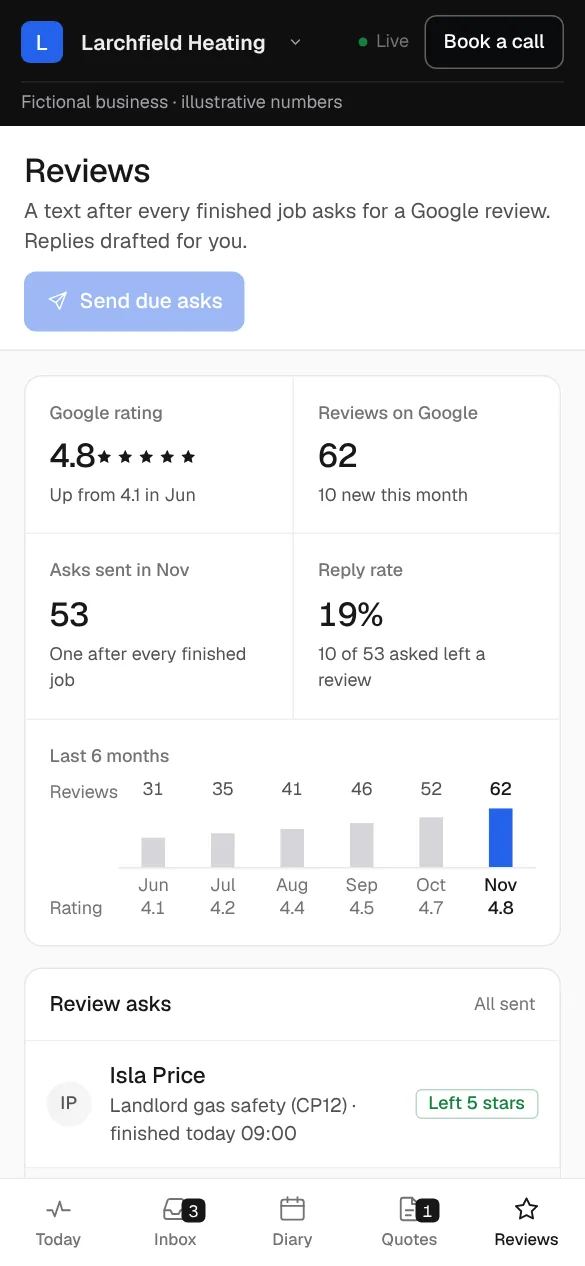
A review request goes to the customer by text when the job is marked done, with one tap straight to your Google review box. Asking every customer at the right moment is how a small business builds its rating without chasing anyone.
Why does it matter?
Happy customers mean to leave a review and forget. The ones who remember unprompted are often the unhappy ones. Asking everyone, the same day, while they are still pleased with the work, changes who writes your reviews.
How does review requests work?
- The job is marked done. You move the job to Done in the CRM, or the invoice is paid.
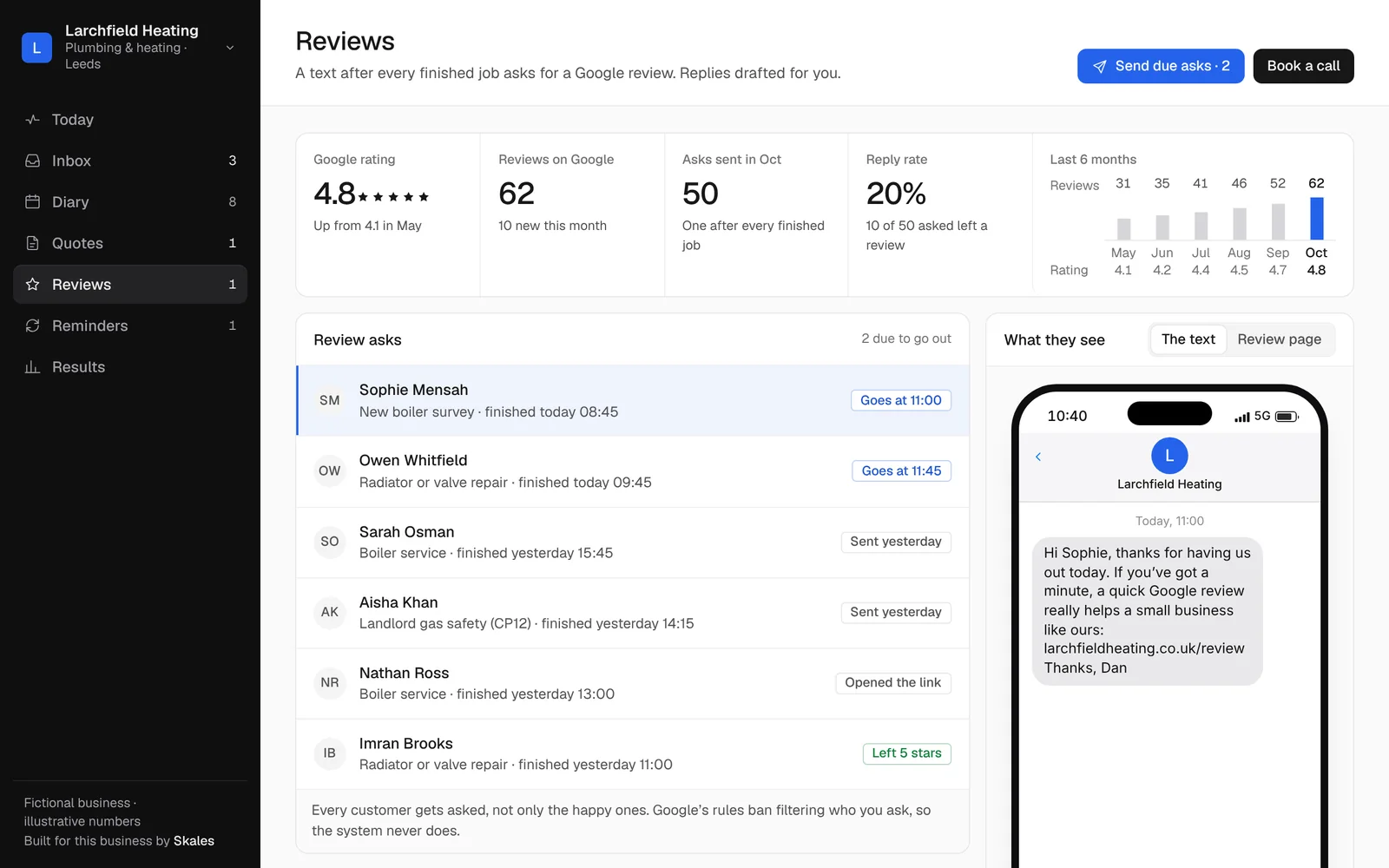
- The request goes out. A couple of hours later, the customer gets a short text thanking them and asking for a review, with a link that opens your Google review box.
- One tap to review. They tap, pick the stars and write a line. No searching for your business, no signing in to anything new.
- You reply. New reviews show up for you to reply to, so every review gets a response in your name.
What does the text say?
Thanks again for having us round today, Priya. If you’re happy with the job, a quick Google review would really help a small business like ours: larchfield.co.uk/review
An example for Larchfield Heating, a made-up business. Yours is written with you, in your words.What does it need from me?
- A Google Business Profile, so there is somewhere for the reviews to go. If you do not have one, I set it up with you.
- A way to mark a job done: the CRM, or an invoice being paid.
See it run
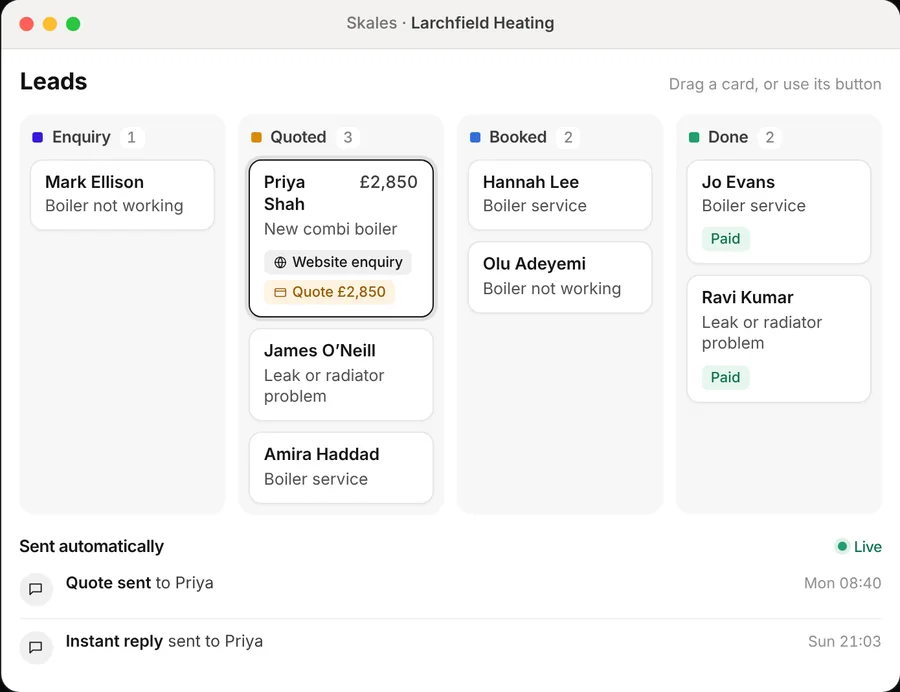
Live demos with a made-up business. You play the customer, then see what the business sees. About a minute each.
Builds that run it
Working builds for made-up businesses, each with this automation inside. Open one on your phone and use it.
Review requests: questions people ask
Can it only ask the happy customers?
No, and it should not. Google does not allow filtering out unhappy customers before asking for a review, so everyone gets asked. A business that does good work comes out of that well.
When is the best time to ask?
The same day, a couple of hours after the job, while the work is fresh and they are still pleased. The timing can be changed for your trade.
Does it work for repeat customers?
Yes. It can ask once and then leave them alone, so a regular is not asked after every visit.
Can I show my reviews on my website?
Yes. Real reviews can appear on your site, and once there are enough, in your search results too. Nothing is ever made up.
More in every question, answered.